

Van Gogh™ System: Quick Reference Guide

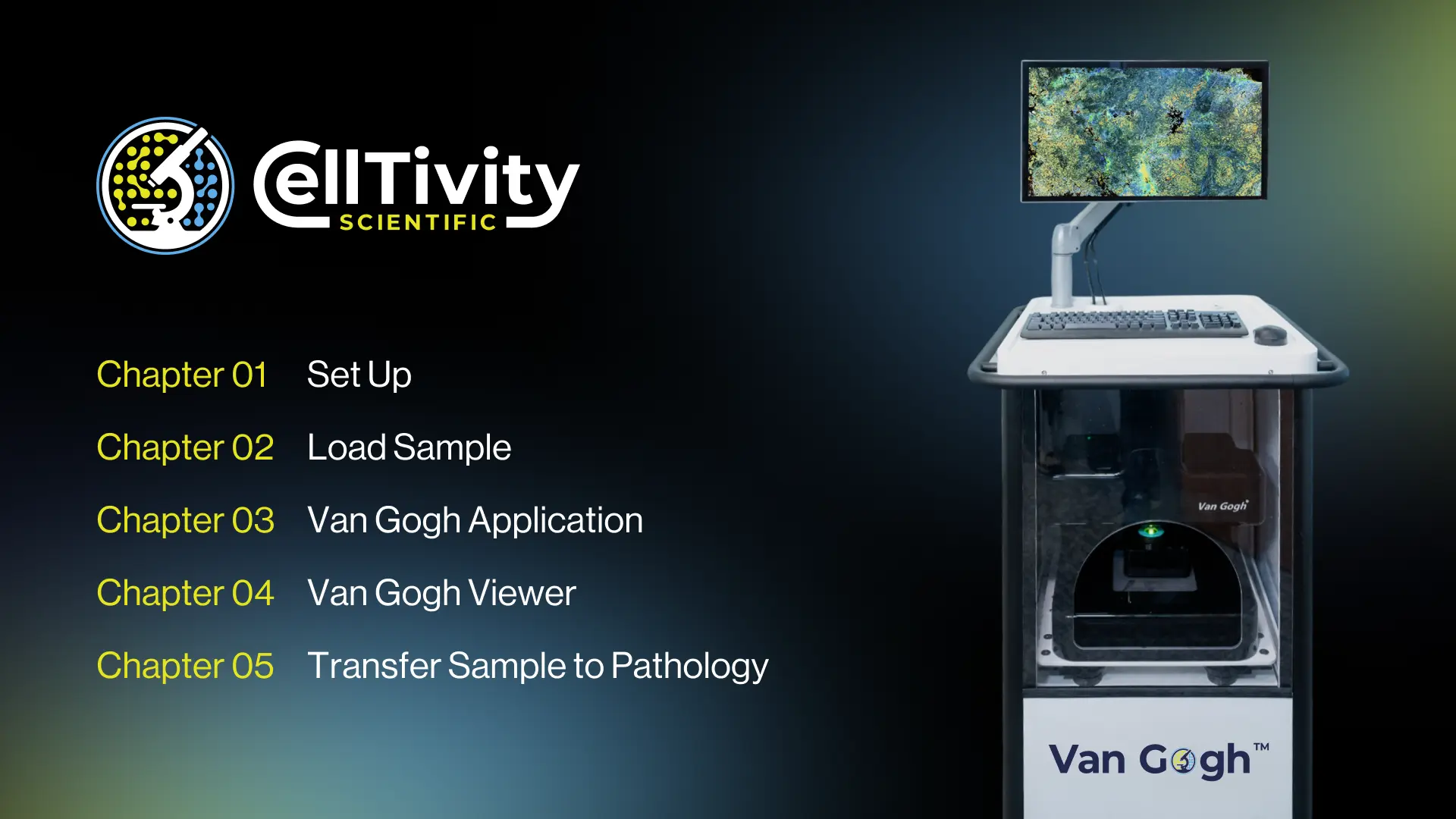
This Quick Reference Guide provides comprehensive instructions for the correct setup and operation of the Van Gogh™ System and Software. It serves as an essential resource for users to effectively prepare samples and acquire high-quality images.
Guide Highlights:
- Set Up: Detailed steps for positioning the cart, powering on the system, and initializing the software.
- Sample Preparation: Instructions for using the Patient Biopsy Kit (both FNA and Tissue Biopsy) to properly mount samples on the holder.
- Image Acquisition: Step-by-step workflow from loading patient data and acquiring a "Gross Image" to navigating the "Explore" and "Acquire" tabs for precise scanning.
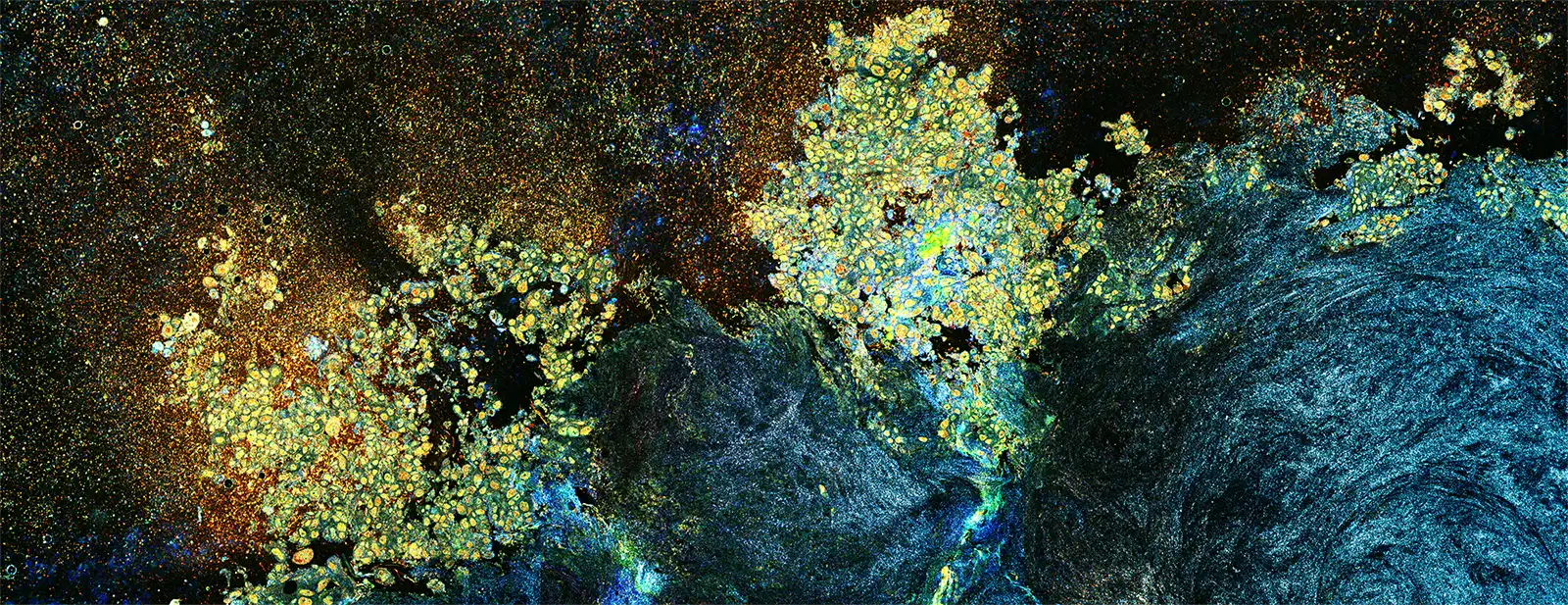
- Van Gogh VIEW: Explains how to use proprietary viewing tools, including "HistoView™ Mode," edge enhancement, and measurement tools ("Ruler") to analyze metabolic cellular activity.
- Study Management: Guidance on saving additional images, unloading studies, and maintaining workflow efficiency.
For troubleshooting or further assistance, contact customersupport@celltivity.com.

Our Mission
Empowering the proceduralist to improve patient outcomes through better diagnostic cancer sampling
Get in Touch
